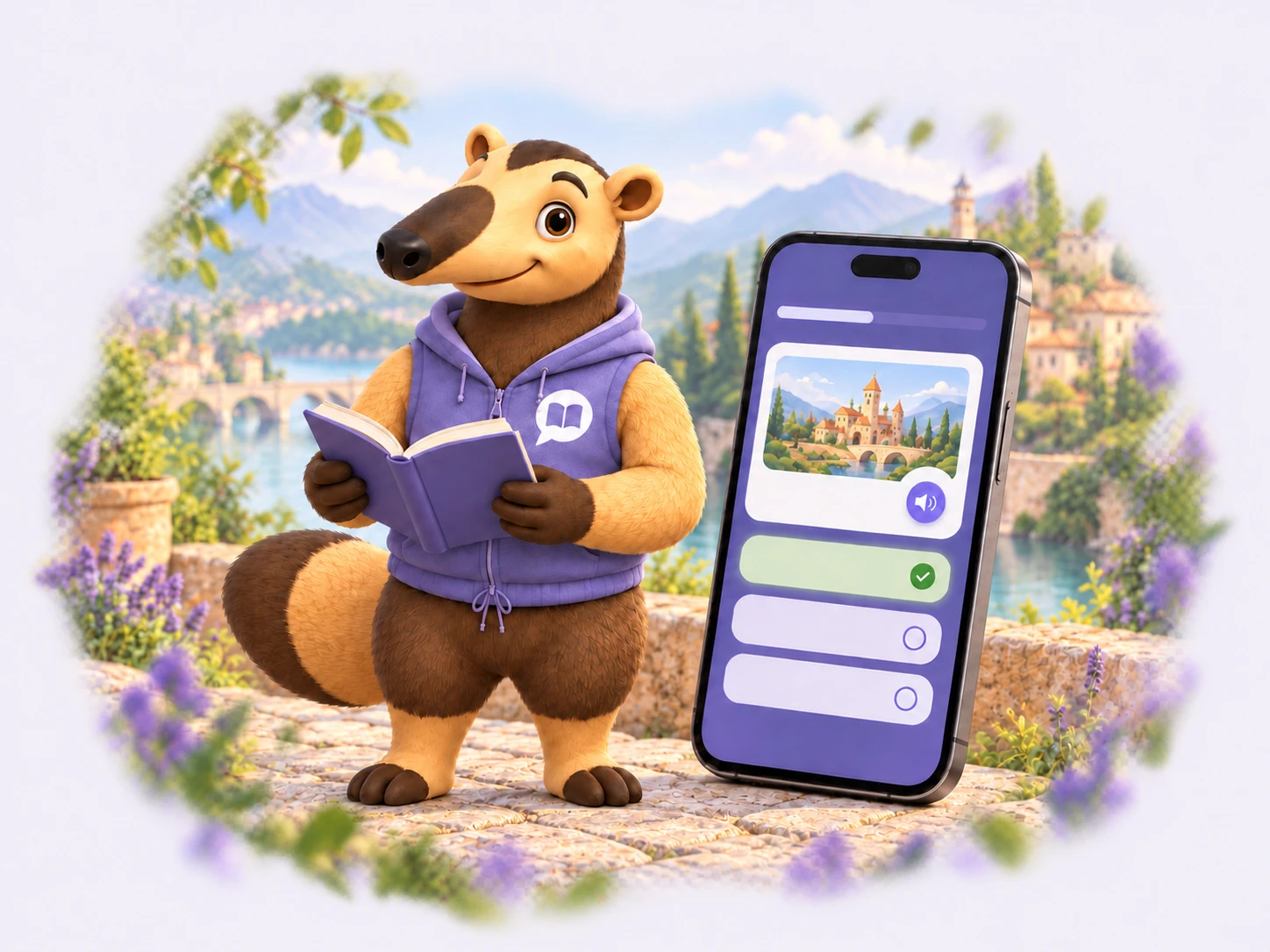
Tamandua: languages for situations you will actually encounter
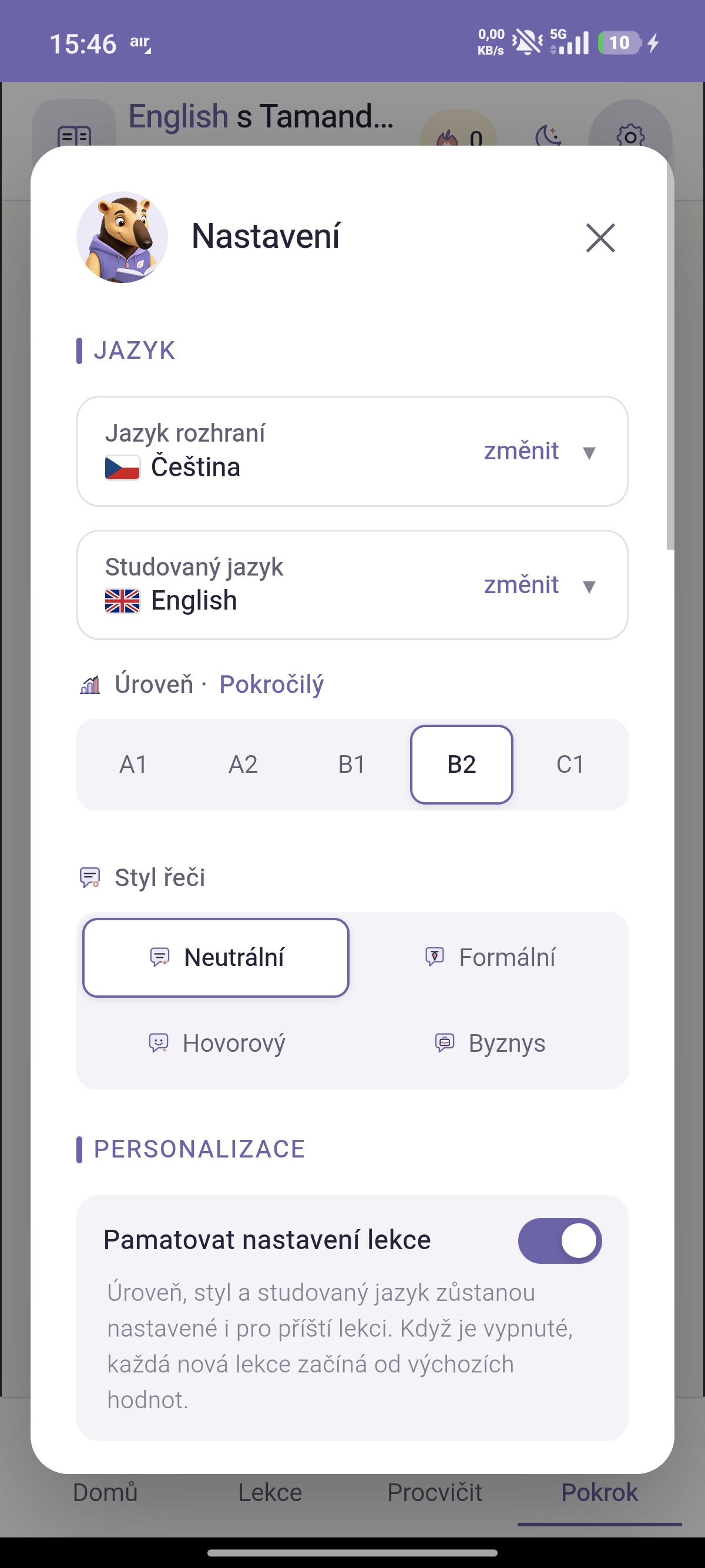
The app interface supports 19 languages and you can learn 28 languages, including English, German, Japanese, Arabic, Hebrew and Latin.
Lessons you create yourself
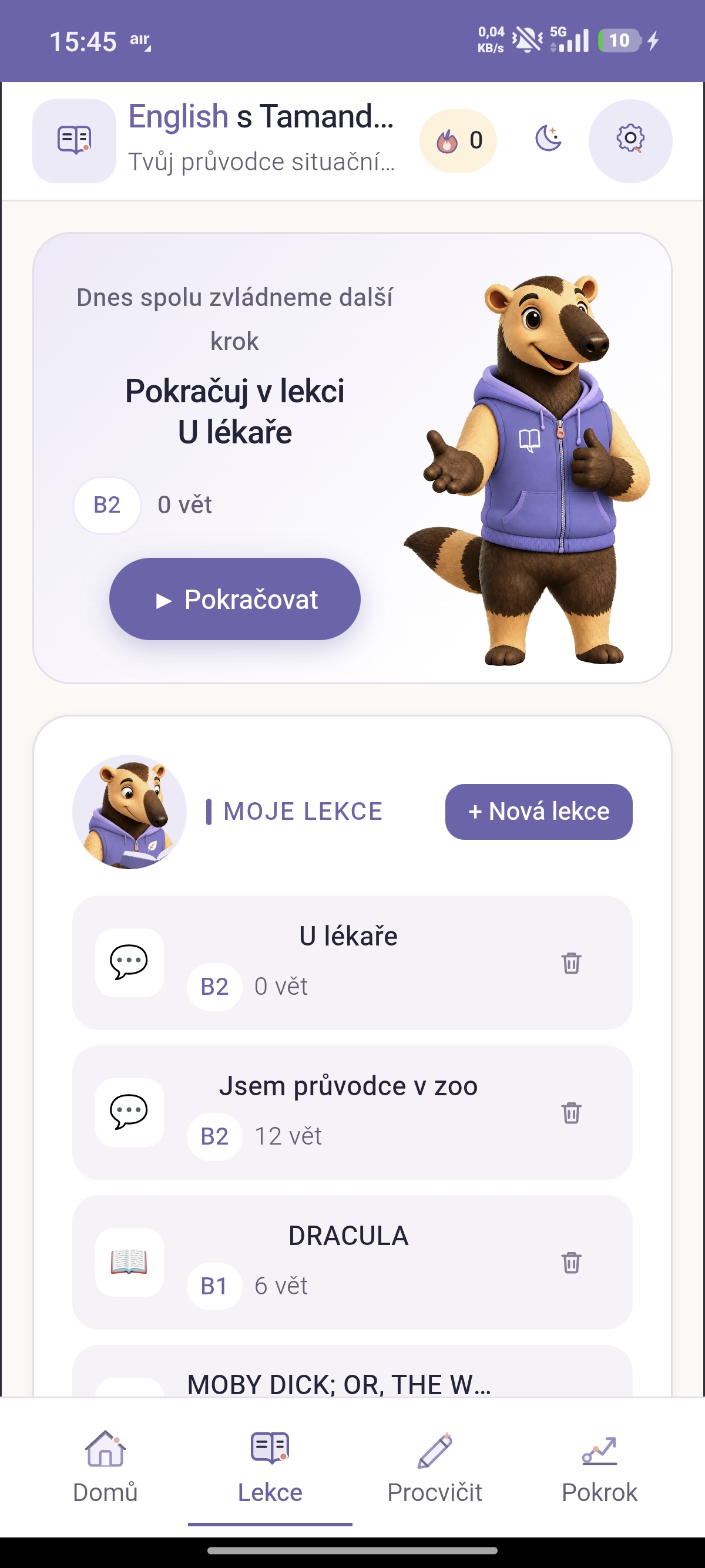
From a single sentence. Describe a situation, such as “at the doctor's”, and Tamandua turns it into sentences, phrases, vocabulary and questions. Choose the level and style in the lesson creation wizard.
From a book. Download a book from Project Gutenberg or upload your own EPUB. You can process the whole book at once, and the app shows your current position.
From a photo. Photograph a page and its text is recognised automatically.
From another app. Send text that interests you straight to Tamandua.
More whenever you want. Generate extra sentences or vocabulary for any lesson. Share lessons with friends, including images that can replace text on flashcards. AI situation ideas are saved for each day and language, so they remain available offline.
Study
Each lesson has three parts: sentences, phrases and vocabulary. Hear the pronunciation of each word and save it for later. Listening mode and speech recognition help you practise pronunciation. One-finger gestures let you hold and swipe to collapse completed sentences and swipe between tabs.
Practice
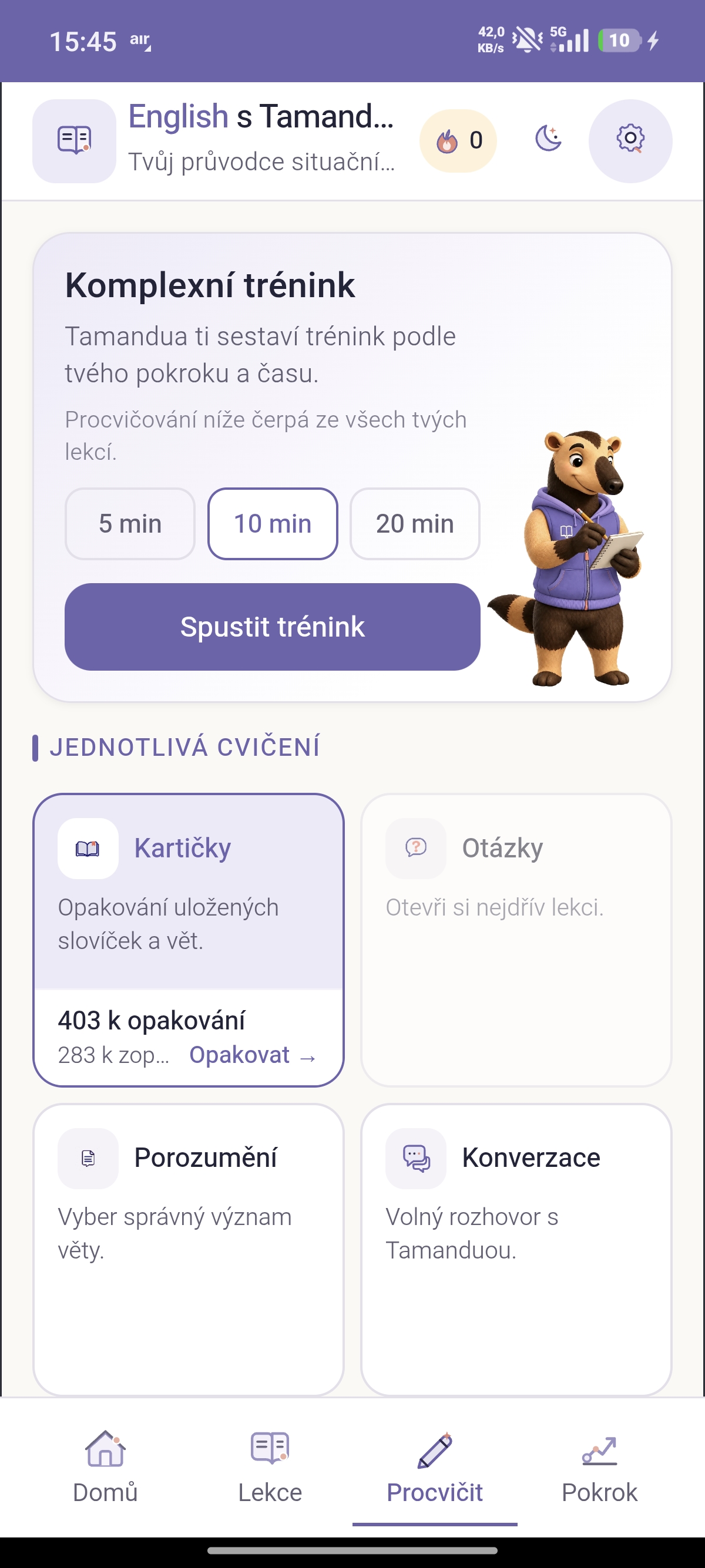
- Flashcards with spaced repetition and listening mode
- Lesson questions, where AI assesses your answer and indicates its confidence in that assessment
- Comprehension, a quiz with shuffled answer choices
- AI conversation to rehearse speaking
Practise a smart mix across lessons, the current lesson or just today's material. In comprehensive training , choose 5, 10 or 20 minutes. Mistakes return at the end of the session, followed by a clear summary. Typing is kept to a minimum: select an answer or respond by voice.
It learns alongside you
- Review across all your learning. Results from every exercise type count, not just flashcards.
- Four skills for each word. The app separately tracks comprehension, recall, correct form and usage.
- Your own rhythm. Review intervals and estimated session length gradually adapt to you.
- A personal daily plan. The third task always targets your weakest skill.
- Streak protection. You can freeze one missed day to preserve your streak.
Home and Progress
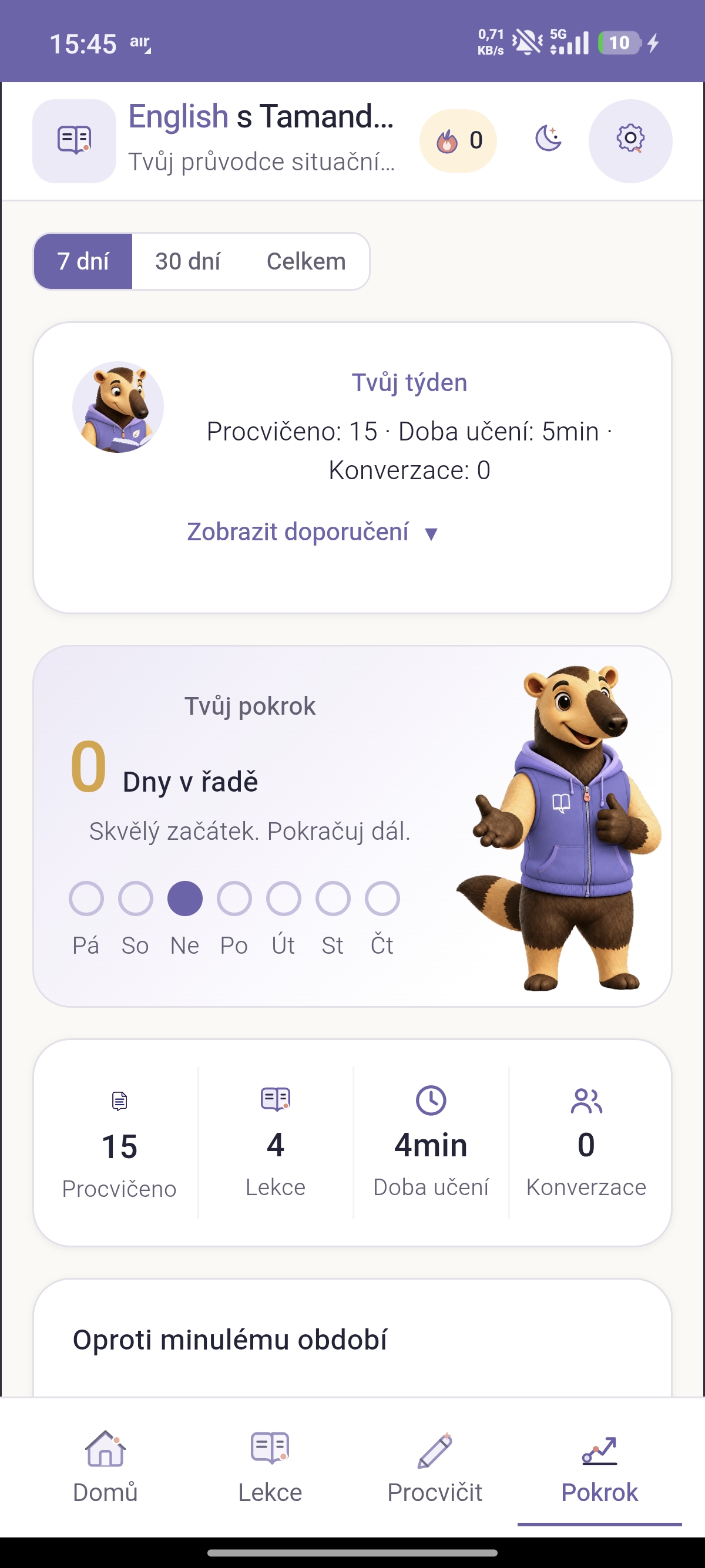
The home screen includes the What nextcard, today's plan, study time and an unfinished lesson with completion percentage. Progress shows your four skills, comparisons with the previous period, a 30-day activity calendar, upcoming reviews and suggestions for increasing your level. Every week you receive a summary from Tamandua.
AI and privacy
- Choose your provider. Select Anthropic Claude or Google Gemini in settings. The app deliberately does not switch between providers on its own.
- Different models for different tasks. A less expensive model fills templates; a more capable one assesses answers and leads conversations.
- Your own key. You can also use your own API key.
- When AI fails. The app quietly retries. If that fails too, it explains the problem and offers a Try again option.
- Works without AI too. The app can assess answers itself and provides fallback summaries and ideas without an internet connection.
Your data stays on your device. Backup and restore are available, and API keys are never exported.
Thoughtful details
The first-run wizard suggests a language based on your device. Each tab has a short introduction. Features include dark mode, accessibility, a pastel indigo palette and mascot illustrations.